Swipe through
books.
Vertical-swipe reading. Built-in free classics.
And a voice that reads along with you, free.

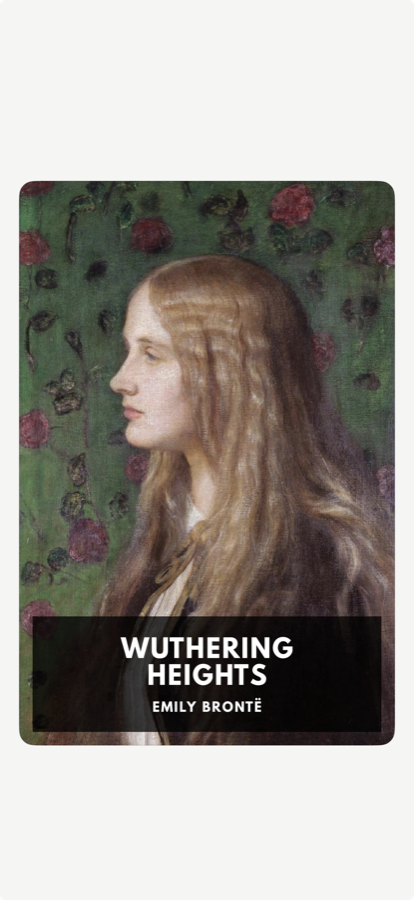
Reading on iPhone
should move vertically.
Most ebook apps still borrow the page from a physical book. On a phone you hold vertically, horizontal page turns can feel like a convention carried over from another device.
leaf was built around thumb-driven vertical swipes. Slide snaps each screen into place, Continuous lets you scroll freely, and Page Curl keeps a familiar page-turn feel when you want it.
The best reading experience is one you don't notice.
Every page ends
on a complete thought.
Most reading apps cut off wherever the screen runs out - right in the middle of a sentence, a thought, a moment.
leaf reads the natural rhythm of the prose and always pauses at the right place. Every swipe lands where the thought ends. You stay in the story.
No interruptions. Just flow.
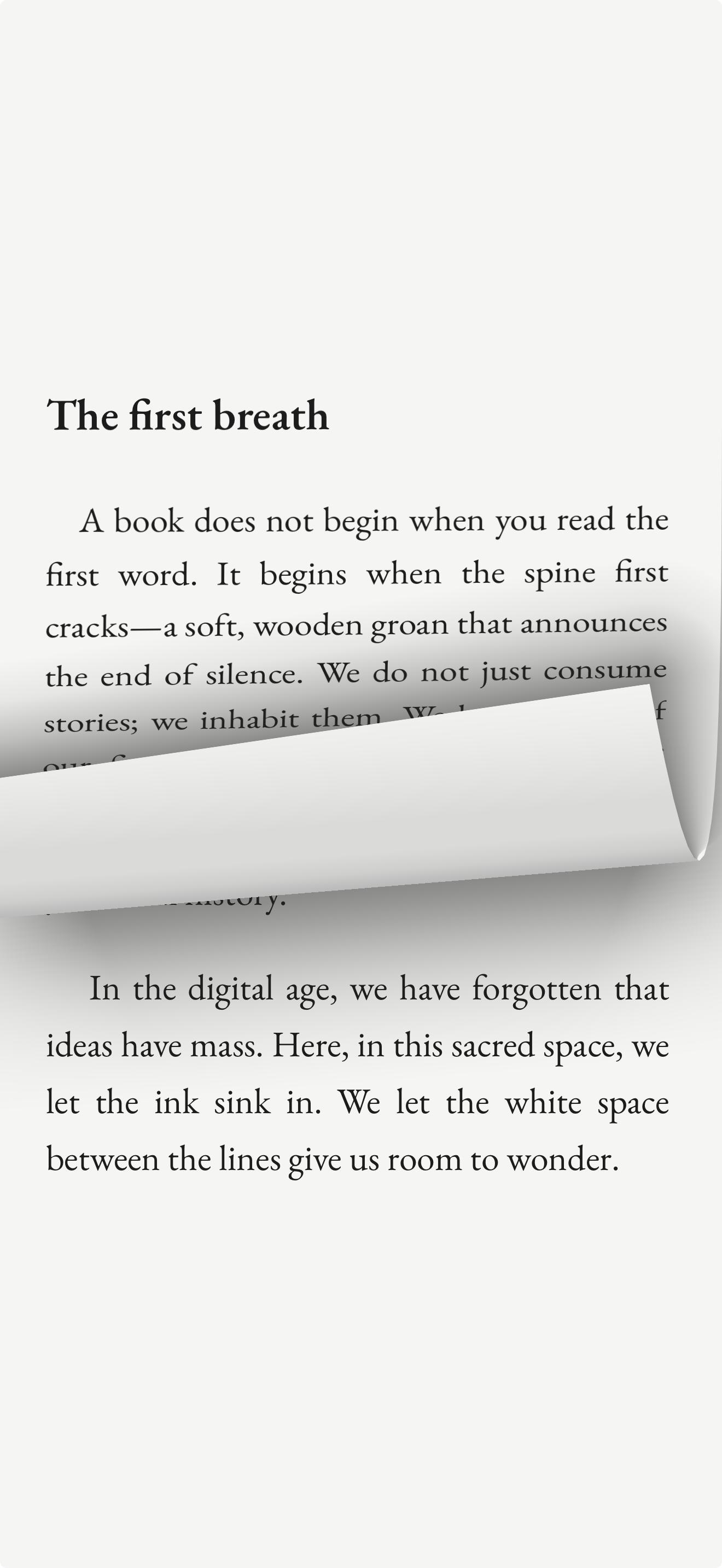
Three Ways to Read.
Every reader has a rhythm. leaf offers three distinct flows - pick the one that fits yours.
Smooth vertical snap
Slide
Swipe up. Each page settles perfectly in place, landing exactly where the thought ends. Fast, fluid, and surprisingly satisfying.
A real page, turned
Page Curl
The classic page-turn, reimagined for the phone. Marks your progress and brings the feel of a real book to your screen.
Scroll without breaks
Continuous
Scroll freely through the text without boundaries or breaks. Great for when you just want to lose yourself in a book.
For the days
you can’t settle.
Some days you want to read and your attention keeps sliding off the page. You read the same paragraph three times and give up.
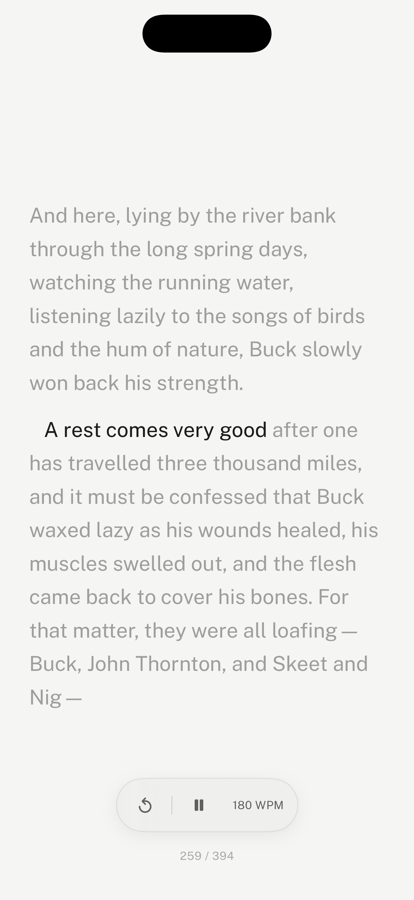
Tap play. leaf sets a gentle pace and lights up each line as you go, so the book keeps moving and you do too. Change the speed whenever you like, pause with a tap, or step back a sentence.
Nothing disappears. You can always look back.
New · Read aloud
The reader that
reads to you.
Turn on the voice in read-along and leaf reads the page aloud while the line lights up beside it. Read with your eyes, your ears, or both, and switch whenever you like.
Free, with no meter
Listen to a chapter or a whole book. There are no hours to count and no account to make.
Private and offline
The voice runs on your iPhone. Your books are never uploaded, and it works without a connection.
Keeps going when you lock
Pause, play, or skip back 15 seconds from the lock screen or your headphones.
Natural voices
leaf picks a voice in the book's language. Apple's Enhanced and Premium voices are a free download and sound the most natural.
PDFs that fit
the phone.
Most readers hand you a whole A4 page shrunk to fit a screen, and you pinch and drag your way through it. leaf finds the columns and shows you one at a time, so the text is bigger and you never scroll sideways to finish a line.
The same three flows
Read PDFs with Slide, Page Curl, or Continuous, exactly like any other book.
Follows your theme
Pages switch to light or dark with the rest of the app, automatically.
Picks up where you left off
Your position is kept per document, including which part of the page you were on.
leaf Pro
Pick up where
you left off.
You can sync your books across Apple devices with iCloud for free.
With leaf Pro your reading progress, shelves, highlights, notes, and reading journals all stay in sync without the need for iCloud.
Account-backed sync
Progress, shelves, bookmarks, highlights, notes, and reading journals sync through leaf Pro.
Book file fallback
Sync reading progress, annotations, journals, shelves, and covers; large originals can remain available through iCloud Book Vault.
Make it yours
Six more themes or design up to six of your own, three more typefaces or import your own, and control over line, paragraph, and letter spacing.
No ads or content tracking
leaf Pro adds sync and customisation, not feeds, streaks, advertising, or book-content tracking.
Free classics
built in.
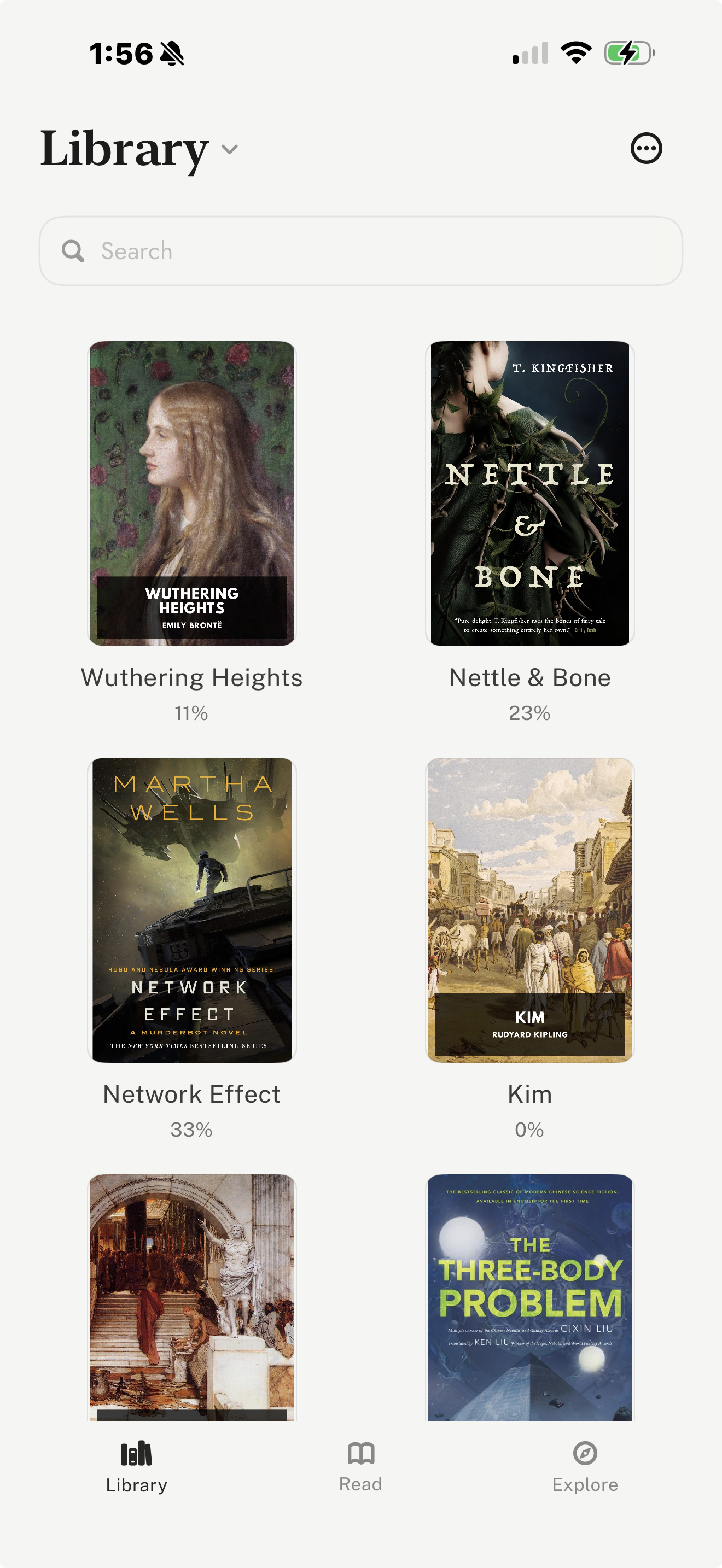
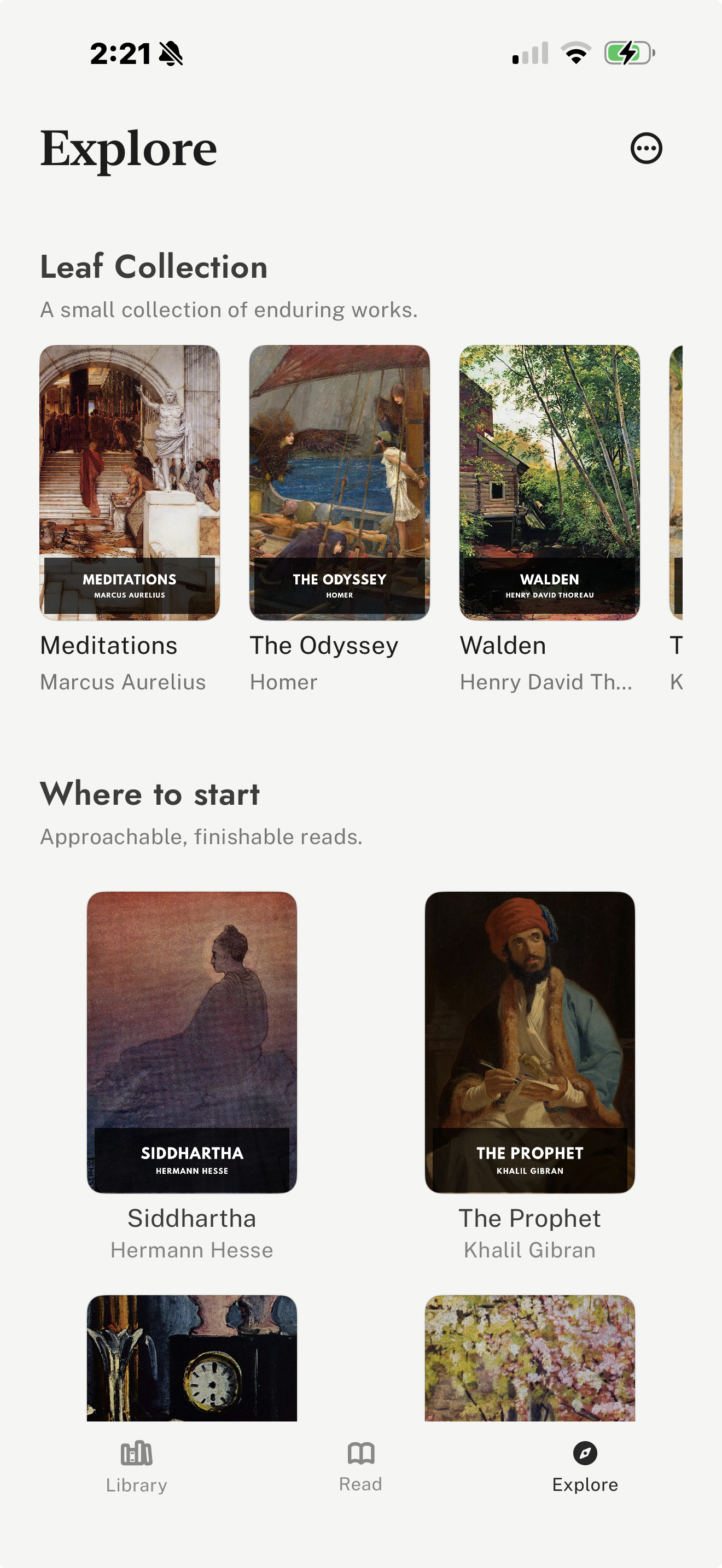
Explore brings public-domain discovery into the reader, so you can find classics without digging through archive pages first.
Standard Ebooks and Project Gutenberg discovery sit beside your imported EPUB, PDF, and Markdown files.
The result is still quiet: no ads, no streaks, no social feed, just a better way to swipe through long books on your phone.
Built by a single reader.
leaf was not engineered in a boardroom. It was crafted by hand, born out of a personal frustration with the noise and friction of modern digital reading.
I wanted a space that revered the written word - a mindful reading app and pocket-sized retreat tailored to the cadence of great literature. Built with absolute intent for those who seek depth over distraction.
- From the Developer.
Start reading more,
starting today.
Free on the App Store, read-aloud included. leaf Pro is optional for sync and customisation. No ads.