Quick answer
To open an EPUB file on iPhone, download or save the file, tap Share, and choose an EPUB-compatible app such as leaf or Apple Books. EPUB is usually the best format for novels and other text-heavy books because it reflows to your screen, font size, and reading settings.
EPUB files on iPhone
The file is only half the workflow.
EPUB is a flexible ebook format, but the reading experience depends on where the file came from and which app owns the library after you open it.
If you read a lot of downloaded books, public-domain classics, or personal files, choose a reader that treats imports as a real library rather than one-off attachments.
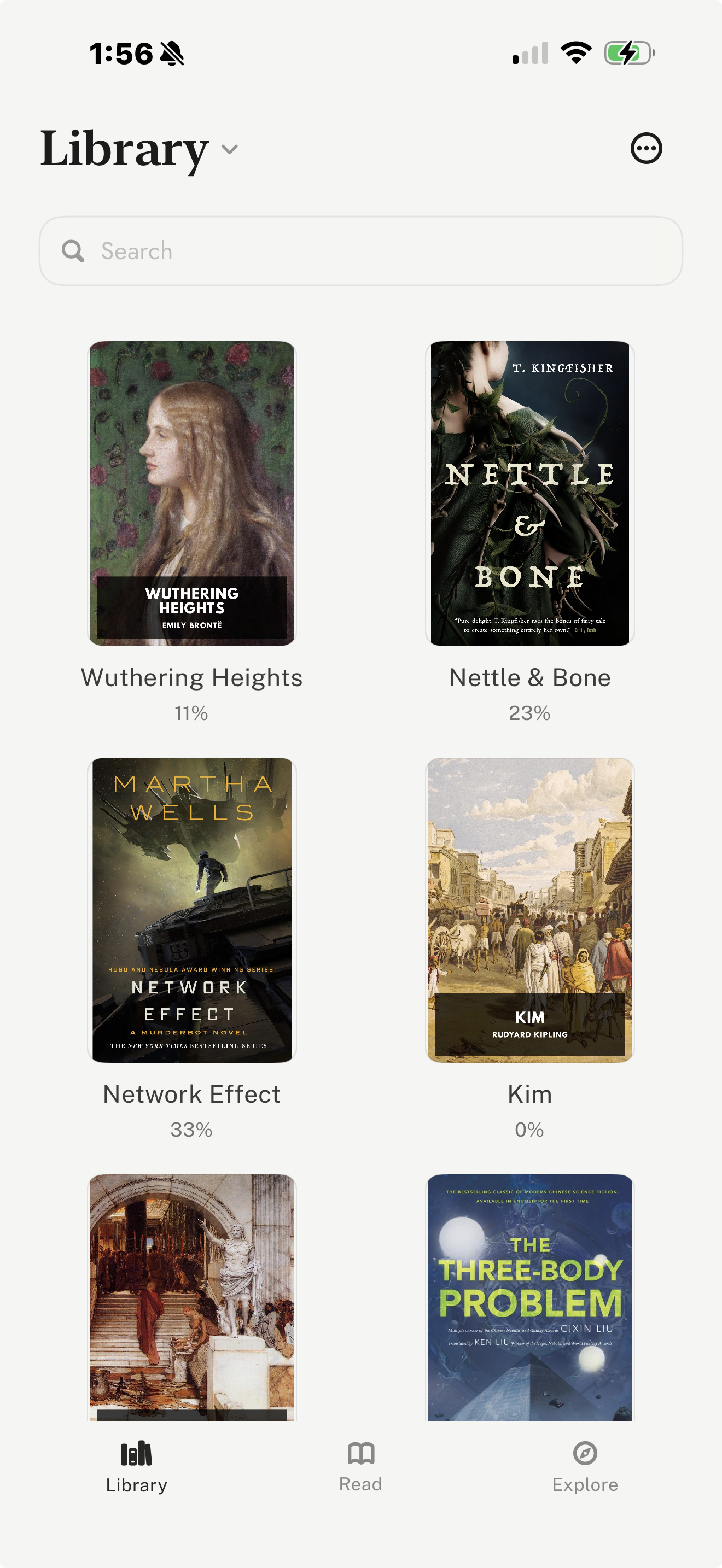
Open an EPUB file on iPhone
- Download the EPUB from a source such as Project Gutenberg, Standard Ebooks, an author site, or your cloud storage.
- If the file opens in Safari, tap the share button. If it is in Files, long-press or open the file and use the share menu.
- Choose the reading app you want to use. Common options include leaf, Apple Books, Kindle workflows, and other EPUB-compatible apps.
- After the import, open the book from that app's library rather than hunting for the file again.
- If iOS does not show the app you want, confirm the app is installed and supports the file type you are opening.
Best iPhone EPUB workflows
| Workflow | Best for | Tradeoff |
|---|---|---|
| Open in leaf | Vertical-swipe reading and imported EPUB libraries Save or download the EPUB on iPhone, open the share sheet, choose leaf, then keep the book in your library. | Best when you want a dedicated reading app rather than a bookstore-first library. |
| Open in Apple Books | A built-in Apple reading path Download or receive an EPUB, open the iOS share sheet, then choose Books when it appears as an option. | Convenient for occasional EPUBs, but less focused on imported-library workflows. |
| Use Send to Kindle | Amazon libraries and Kindle devices Send the file to your Kindle library, then read it in the Kindle app or on Kindle hardware. | Useful for Amazon-centered readers, but less direct if you simply want to open a local EPUB. |
| Use a file manager first | Downloads, folders, cloud storage, and mixed PDFs Organize the file in Files, iCloud Drive, or a file manager, then open it in the reading app you prefer. | Good for file-heavy libraries, but it adds a layer before the actual reading experience. |
Choose EPUB instead of PDF when the book is mostly text
EPUB is usually the better format for novels, essays, nonfiction, poetry, and public-domain classics on iPhone because the text can adapt to your screen and settings. PDF is still useful when layout matters more than reflow, such as forms, scans, academic papers, and image-heavy documents.
EPUB
Best default for books on iPhone
Reflows text, adapts to font settings, and works well in dedicated reading apps.
Best for fixed-layout documents
Preserves page layout, but can be cramped on a phone screen for long prose books.
Markdown
Best for plain text drafts and notes
Useful when your source is a manuscript, export, or lightweight text file.
Kindle / personal document
Best for Amazon ecosystem readers
Makes sense when you want the book in Kindle apps or on Kindle devices.
Where leaf fits
leaf is a good fit if your goal is to read EPUB files in a dedicated iPhone reading app instead of a store-first app or a file manager. It supports EPUB, PDF, and Markdown imports, and its Explore tab can help readers find books from Standard Ebooks and Project Gutenberg before importing them into the library.
The main difference is the reading experience: leaf is built around vertical-swipe reading on iPhone. For longer books, it also includes reading journals, highlights, notes, passage and completion share cards, themes, fonts, custom fonts with leaf Pro, optional leaf Pro sync, and iCloud Book Vault.
Download leaf on the App Store if you want a reader designed around imported books and vertical-swipe reading.
FAQ
Can I read EPUB files on iPhone?
Yes. iPhone can read EPUB files through apps such as leaf, Apple Books, Google Play Books, Kindle workflows, and other EPUB-compatible readers.
What is the easiest way to open an EPUB on iPhone?
The easiest workflow is usually to download or save the EPUB, tap the share button, then choose a compatible reading app such as leaf or Apple Books.
Is EPUB better than PDF for reading books on iPhone?
For most prose books, EPUB is better because the text can reflow for the screen, font size, and reader settings. PDF is better when the original page layout must stay fixed.
Can Apple Books open EPUB files?
Yes. Apple Books can be a simple built-in option for many EPUB and PDF files, especially if you prefer Apple-native library and iCloud workflows.
What is the best EPUB reader for iPhone?
It depends on your workflow. leaf is a good fit for vertical-swipe EPUB reading, imports, free classics discovery, journals, notes, highlights, themes, fonts, optional Pro sync, and iCloud Book Vault. Apple Books is a simple built-in option, and Kindle is best when you already use Amazon or Kindle devices.
Sources
Related Reading
If you prefer to move through EPUBs vertically, compare vertical scrolling eBook apps for iPhone.
For a broader app comparison, see our guide to the best EPUB reader apps for iPhone.
If you want free public-domain books, read our guide to reading Project Gutenberg books on iPhone.
If you are choosing an app more generally, read our guide to the best eBook reader apps for iPhone.
Browse every article in the leaf reading guides hub.